All those screenshots, finally sorted.
Nutstash reads the screenshots you've saved and sorts them into topics and to-try lists: films to watch, books to read, places to go, recipes to cook. All on your iPhone.
Coming soon to the App StoreFor iPhone, iOS 26 or later. Best with Apple Intelligence.
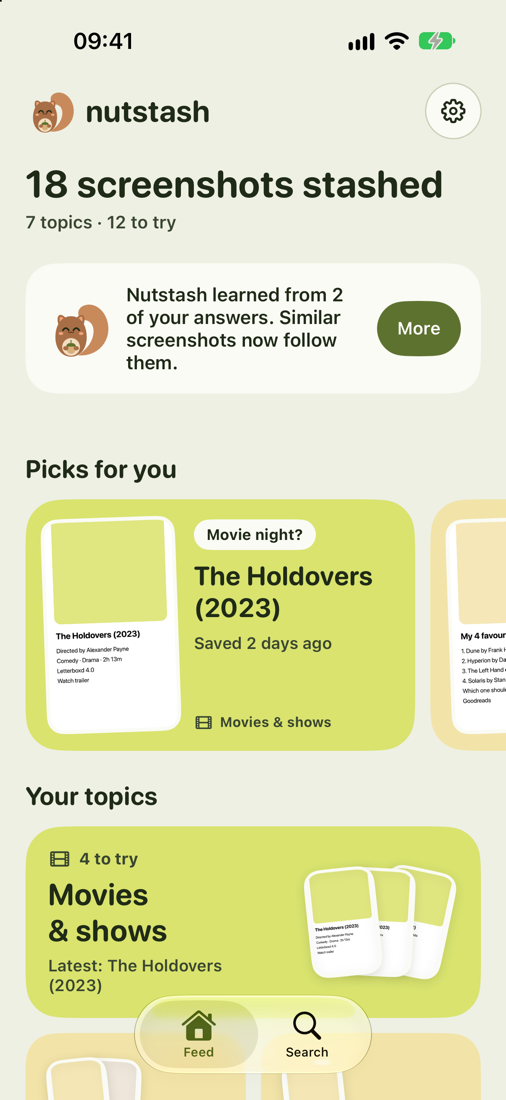
You saved it for a reason. Nutstash remembers which.
Sorted into topics
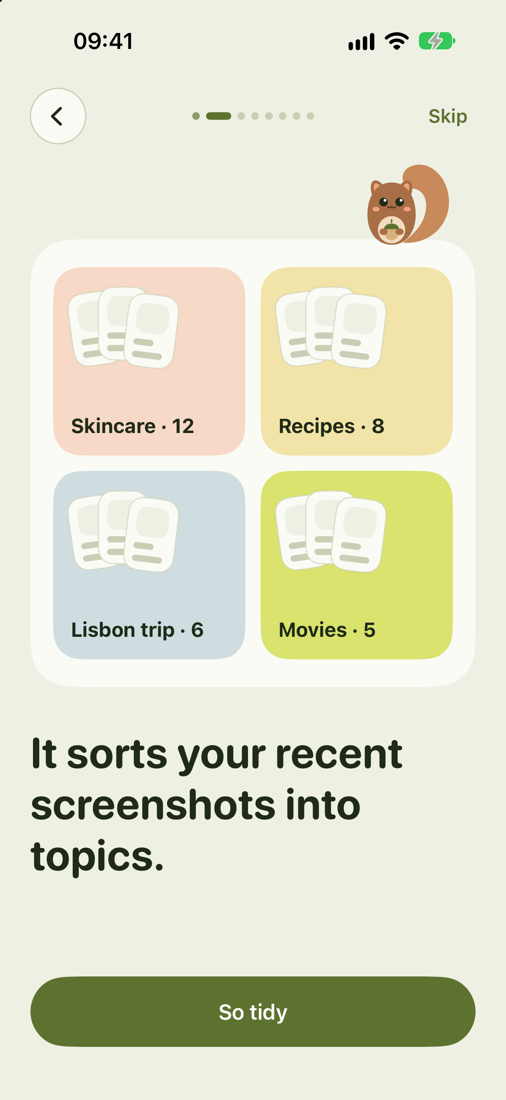
Movies, books, skincare, outfits, recipes, places, kids. Each screenshot goes where it belongs, and you can move it if you disagree.
To-try lists
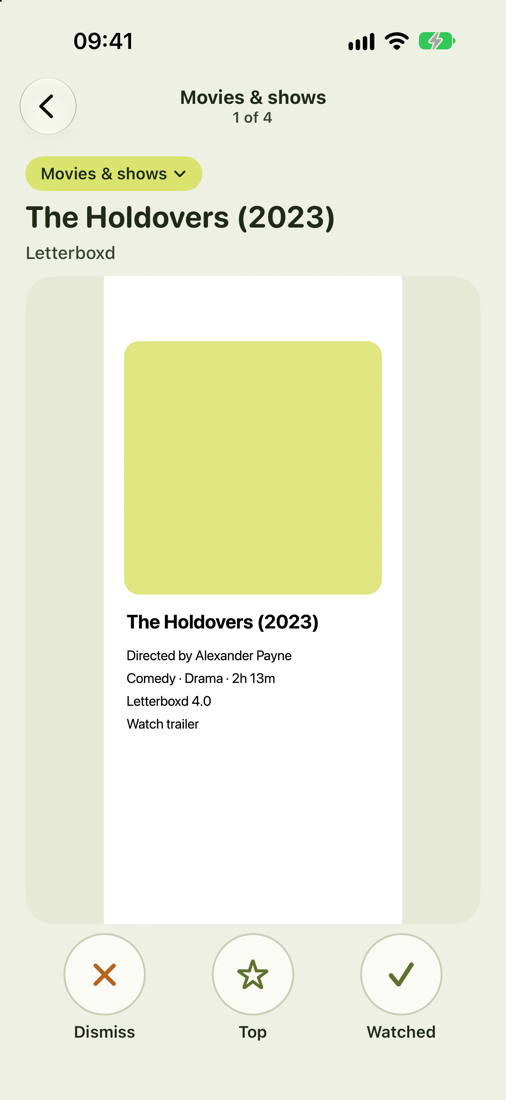
Swipe through a topic and tick things off: watched, read, been there. A "Top 10 shows" screenshot becomes ten separate items.
Search every word
Find "that serum from TikTok" or a café from last spring. Every word on every screenshot is searchable, in English, Polish, Russian and more.
Your screenshots never leave your iPhone.
Reading, sorting and searching all happen on the device, with Apple's on-device text recognition and Apple Intelligence. There are no accounts, no ads and no analytics. Nutstash opens only your screenshots, never your other photos. Read the privacy policy.
Start free. Upgrade when it clicks.
Free
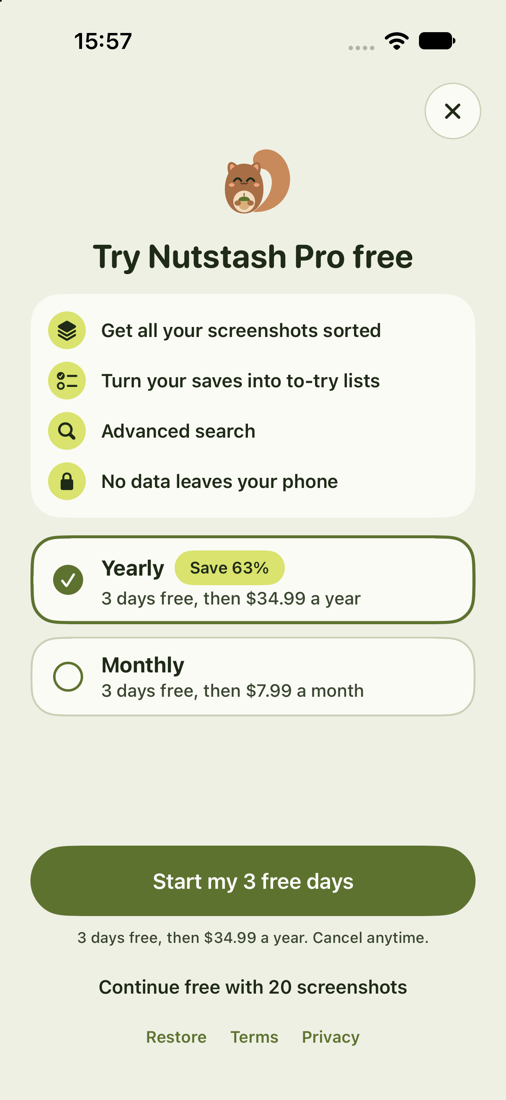
Your 20 newest screenshots sorted, with topics, lists and search.
Pro 3 days free
Or $7.99 a month. Every screenshot sorted, old and new. Cancel anytime in your Apple Account settings.
Prices in US dollars; the App Store shows the price in your currency.
Questions
Why does it ask for access to my photos?
iOS doesn't let an app ask for "screenshots only", so Nutstash asks for photo access and then opens only images iOS marks as screenshots. Your other photos are never read.
Does it upload anything?
Not your screenshots, their text, or anything about what's in them. The only data that leaves the phone is what Apple and our subscription provider need to handle a purchase.
Which iPhones does it work on?
Any iPhone with iOS 26 or later. Sorting is at its best on iPhones with Apple Intelligence (iPhone 15 Pro and newer). On other iPhones it uses simpler keyword sorting.
What happens after the free trial?
Your plan starts unless you cancel before the 3 days are up, in Settings → Apple Account → Subscriptions. If you cancel, you keep your 20 newest screenshots sorted for free.